






fbpx

IdeaHub Board 3 Pro

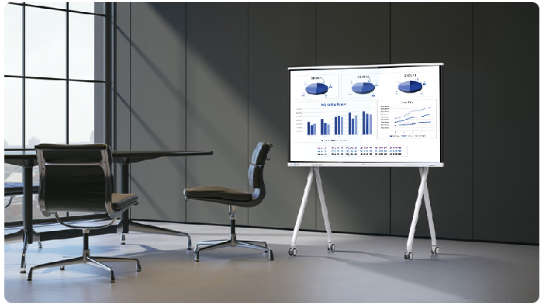
The HUAWEI eKit IdeaHub Board 3 Pro is a next-generation interactive collaboration display designed to bring meetings, training sessions and classrooms to life.

Combining a stunning 4K touch display, intelligent whiteboarding, wireless content sharing and enterprise-grade security in a single solution, the IdeaHub Board 3 Pro enables teams and educators to collaborate more naturally, present with confidence and share ideas effortlessly.

Whether deployed in corporate meeting rooms, training facilities or modern learning environments, it delivers a seamless, intuitive and engaging collaboration experience.

swreyheae.jpeg

Download IdeaHub Board 3 Pro Datasheet


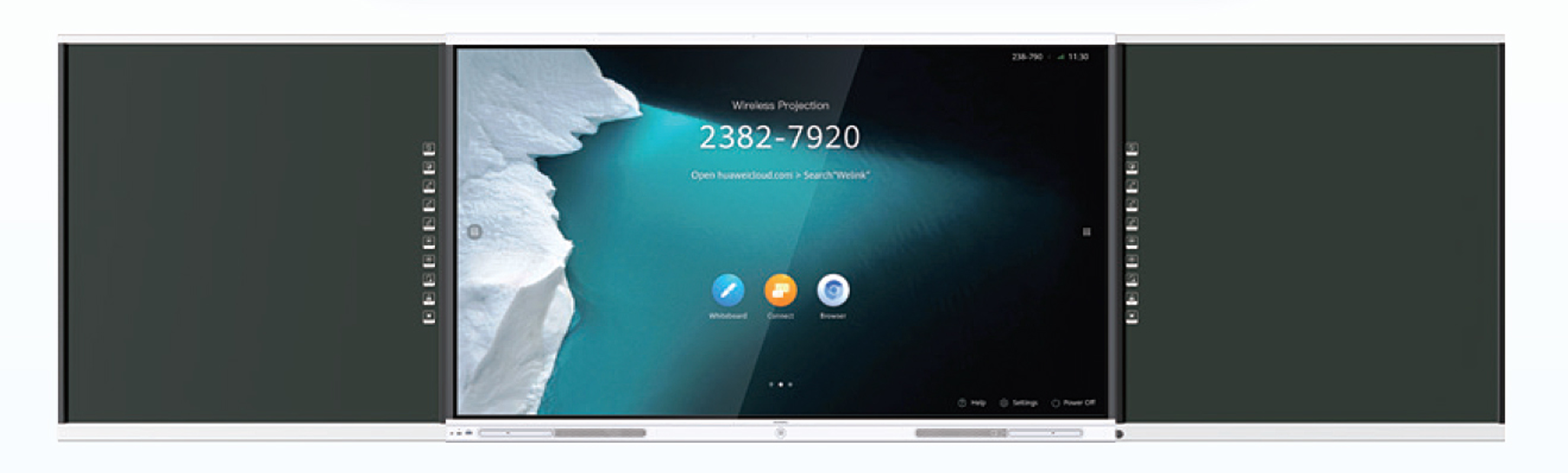
Digital Blackboard compatible with HUAWEI eKit IdeaHub Board 3 Pro

Expand with an optional Digital Blackboard

Combine the HUAWEI eKit IdeaHub Board 3 Pro with an optional Digital Blackboard to create a familiar teaching environment that blends traditional writing with interactive digital collaboration. Handwritten notes are synchronised to the display, making lessons easier to present, save and share.

Key features

  • Traditional blackboard writing with digital synchronisation
  • Scan a QR code to instantly share class notes with students
  • Interactive quizzes and gesture-based erasing
  • Compatible with black, green or whiteboard surfaces
  • Designed to integrate seamlessly with all HUAWEI IdeaHub models

Download Digital Blackboard Datasheet


The IdeaHub Board 3 Pro

Features a 4K soft-light screen with optical anti-blue light, 16 ms low latency, Wi-Fi Direct projection, and extensive applications. Ideal for meeting rooms, open discussion areas, and training rooms, it supports a seamless, lightweight digital office experience.


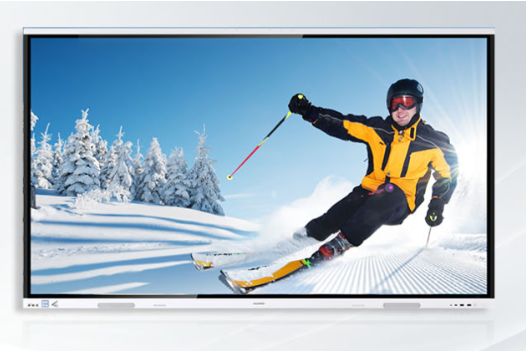
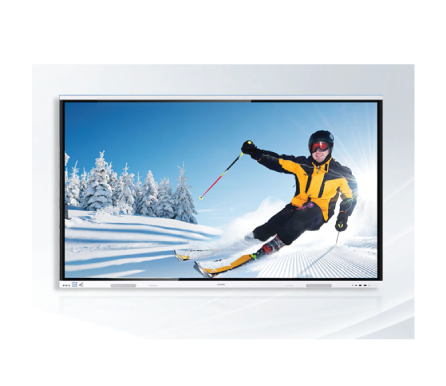
4K Soft Light Screen to Protect Your Eye Health

4K display, rich visuals
Optical anti-blue light with zero color cast


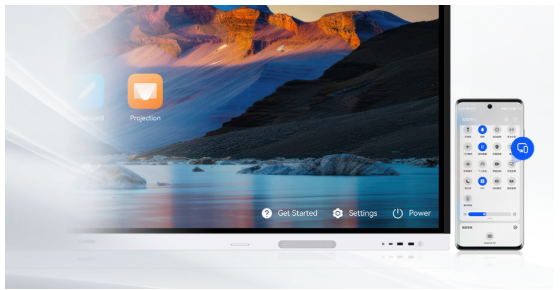
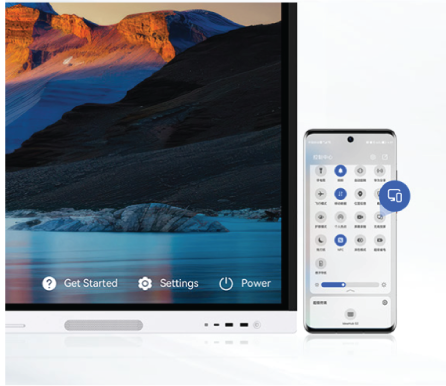
Wi-Fi Direct Projection1, No Network Connection Needed

Simply enable Wi-Fi on your IdeaHub and PC/mobile phone to
initiate 4K projection without the need for a password
or network connection


Cross-Screen Annotation, Write and Save Anytime2

Gain unique insights and professional commentary
While effortlessly annotating across screens into your PPT with smooth efficiency


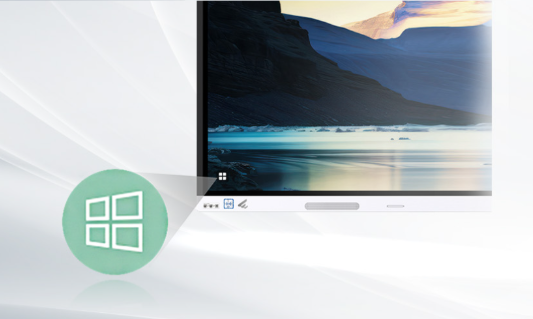
Dual-System One-Tap Switchover

Easily switch between HarmonyOS and Windows
OPS swap-free, and adapt to more apps


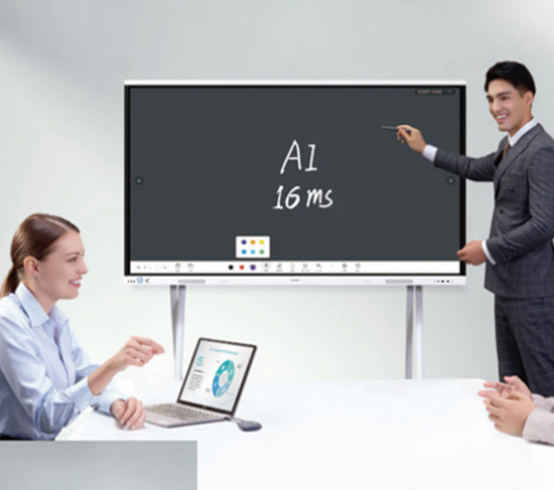
16 ms Ultra-Low Writing Latency for Smooth Writing

AI handwriting tracking, and simultaneous writing and display
Convert handwritten texts and graphics into digital forms3
Support content saving by scanning a QR code4


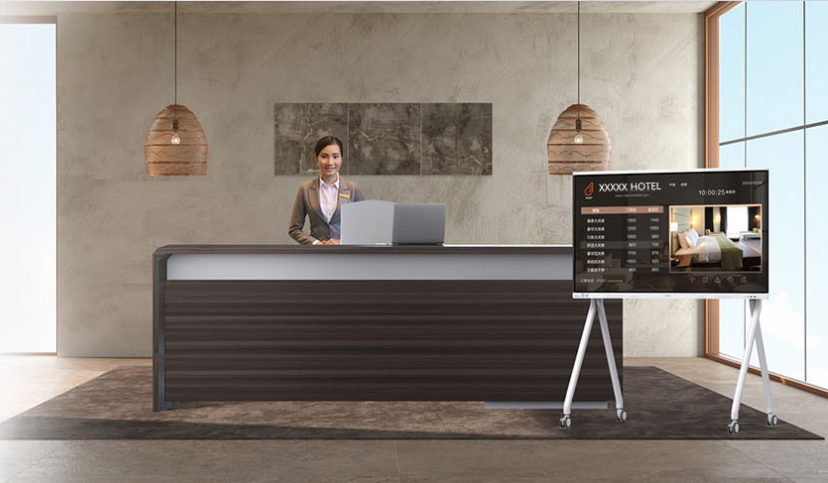
Enterprise Information Release Platform for Precise Targeting


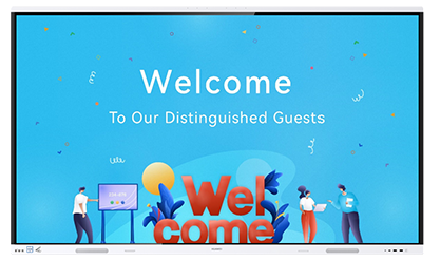
HiBoard as a welcome page

Customize HiBoard texts and images and multiple preset editable templates


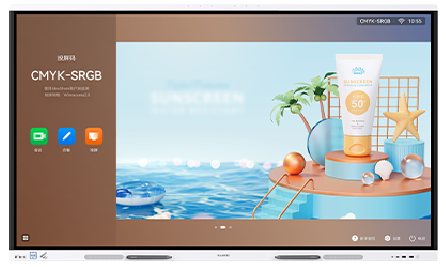
Bulletin board for enterprise marketing

Unified management and scheduled push by regions and organizations,with up to 50 images to be played in a loop


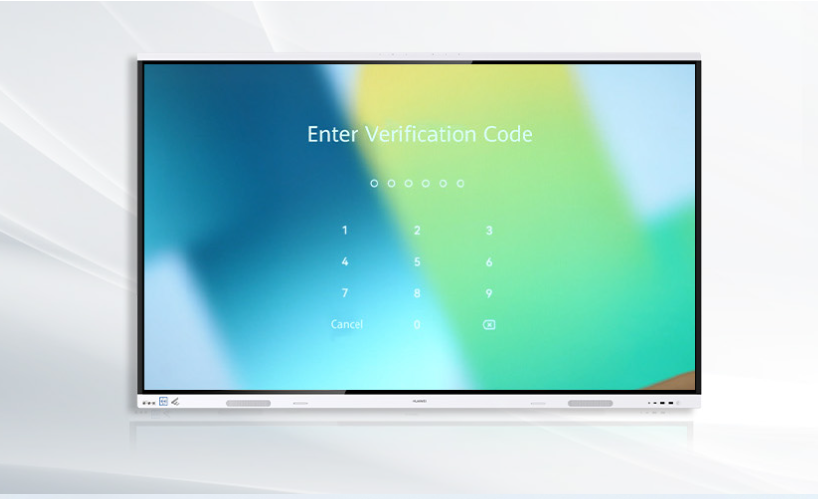
Screen Locking with Password

Comprehensive security protection, effectively protecting enterprise privacy and data from being leaked


Intelligent O&M All in Your Hands

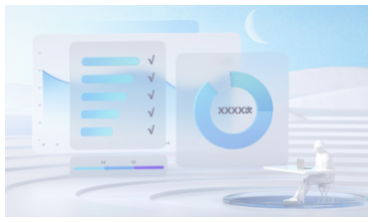
The IdeaManager device management platform remotely manages and controls multiple IdeaHubs.
The IdeaCare supports one-click quick diagnostics of typical faults and troubleshooting.


Enterprise with IdeaHub
High-efficiency office, making every meeting a success
Tea room with IdeaHub
Casual business networking, setting a new trend in tea rooms
Commercial store with IdeaHub
Tech-powered product selection for a better customer experience

Hotel with IdeaHub
Outstanding upgrades for business venues, with attentive customer service


Remarks

[1] Support Wi-Fi Direct projection using the IdeaShare app, on Huawei phone through NFC or projection option in the drop-down menu. Wi-Fi Direct projection using the IdeaShare app supports HarmonyOS, Android, and Windows operating systems.

[2] The cross-screen annotation function must be used with the Windows 10 or later and the IdeaShare app of V7.05.1.01 or later. The Office PowerPoint version must be 2013, 2016, 2019, or 2021.

[3] Support conversion into digital forms in Chinese, English, French, Japanese, Spanish, Russian, Portuguese, Italian, German, and Traditional Chinese, and conversion into digital forms with 11 shapes, including circles, ovals, and rectangles.

[4] Scanning the QR code by WeChat, Huawei Cloud Meeting, and Huawei Cloud WeLink can take away the content.


5.0/5 rating 1 vote

Leave a comment

You are commenting as guest.
Copyright © 2020